
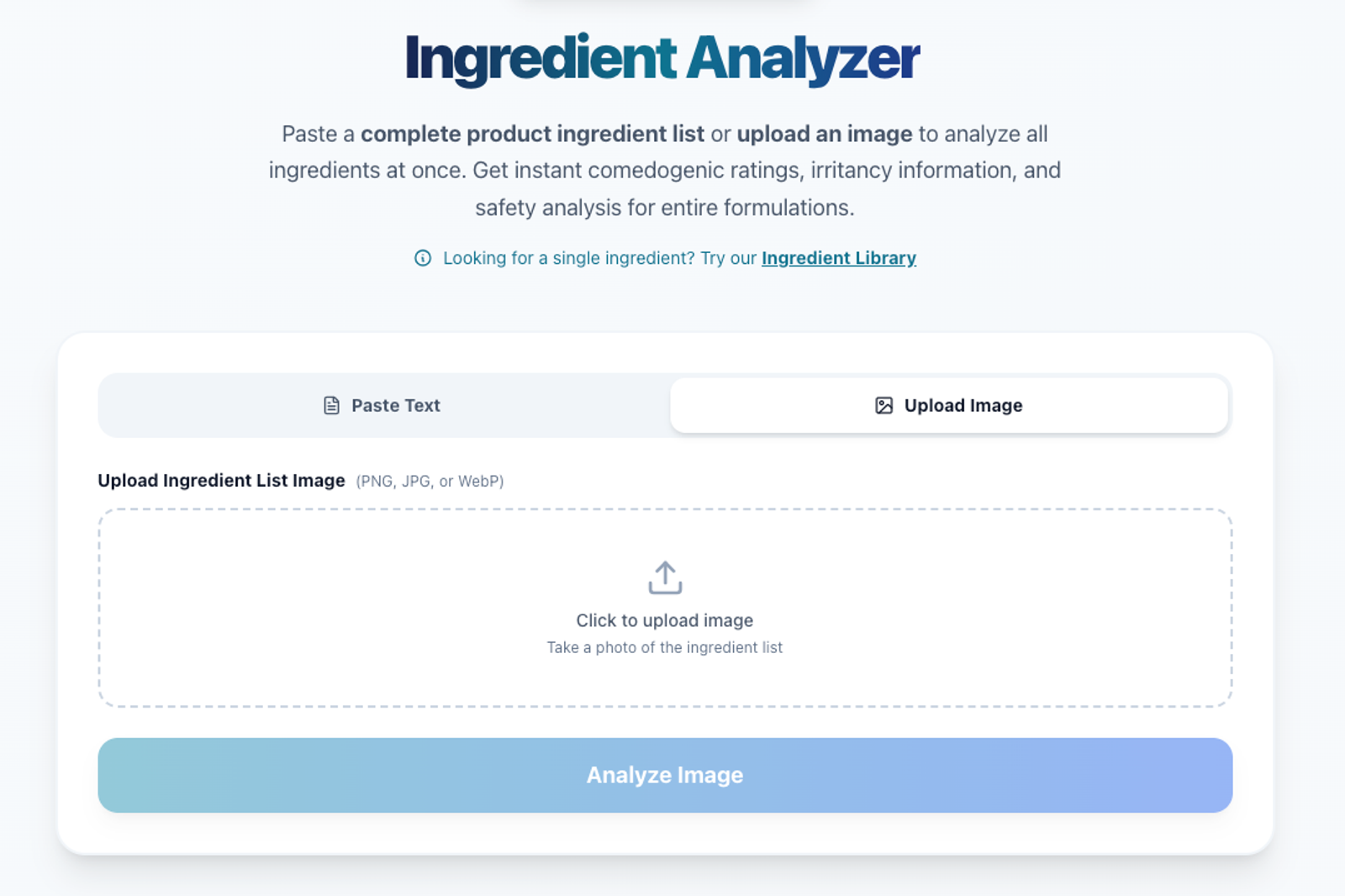
How to Check Ingredients from a Product Image
Understanding what’s inside your skincare products shouldn’t be complicated. But let’s be honest — reading tiny ingredient lists on packaging can be frustrating. That’s why we’ve made it easier than ever.
Introducing Image-Based Ingredient Check on Skinwis
Skinwis now supports ingredient analysis directly from a product image. That means you no longer need to manually type long ingredient lists or struggle to read small labels.
With just a few clicks, you can:
How It Works
It’s fast, simple, and designed to help you make informed skincare choices.
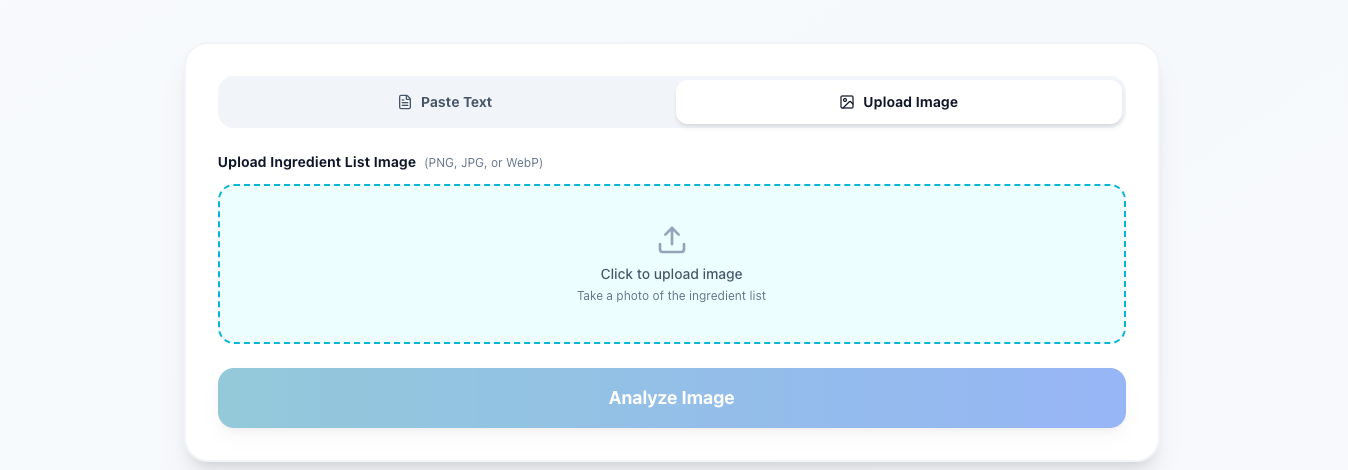
Why Use Image Ingredient Check?
Whether you’re checking for acne-triggering ingredients, pregnancy-safe products, or avoiding specific allergens, our image-based analyzer makes the process effortless.
Try It Today
Upload your product image and see the results for yourself. We’d love to hear your feedback — your input helps us improve and build better tools for your skincare journey.
Try this out and lets us know the feedback. With love from skinwis team